
Subject
The character, pet, product or object you want to keep. Whisk AI holds on to its identity, shape and key details.
Works well: a clear photo of one thing, a mascot sketch, a product on a plain background.
Whisk AI turns three pictures into one: drop in a subject, a scene and a style, add a few words if you like, and get a brand-new image from Nano Banana or GPT Image. Then animate it into a short video.
WhiskAI is an independent service. It is not affiliated with, endorsed or sponsored by Google; Whisk and Google are trademarks of Google LLC.
 GPT Image 2
Subject · Scene · Style
Each slot tells the model what to take from that picture. Fill one, two or all three; the prompt is optional.
The character, pet, product or object you want to keep. Whisk AI holds on to its identity, shape and key details.
Works well: a clear photo of one thing, a mascot sketch, a product on a plain background.
Where the subject should end up: a room, a street, a landscape or a layout. The scene sets background and composition.
Works well: a travel photo, an interior, a shop shelf, a poster layout.
How the result should look: medium, palette, texture and lighting. Only the look is used, not the content of the style image.
Works well: a watercolor, a clay render, a risograph print, a sticker sheet.
Whisk AI sends the slots in order to Nano Banana or GPT Image with a short role note, plus your prompt. You get a fresh picture, not a collage.
No images? Whisk AI also works as a plain text-to-image generator: leave the slots empty and describe the picture.
Community
Real prompts and results from the community. Open any piece to read its prompt, then recreate it in the Whisk AI studio.
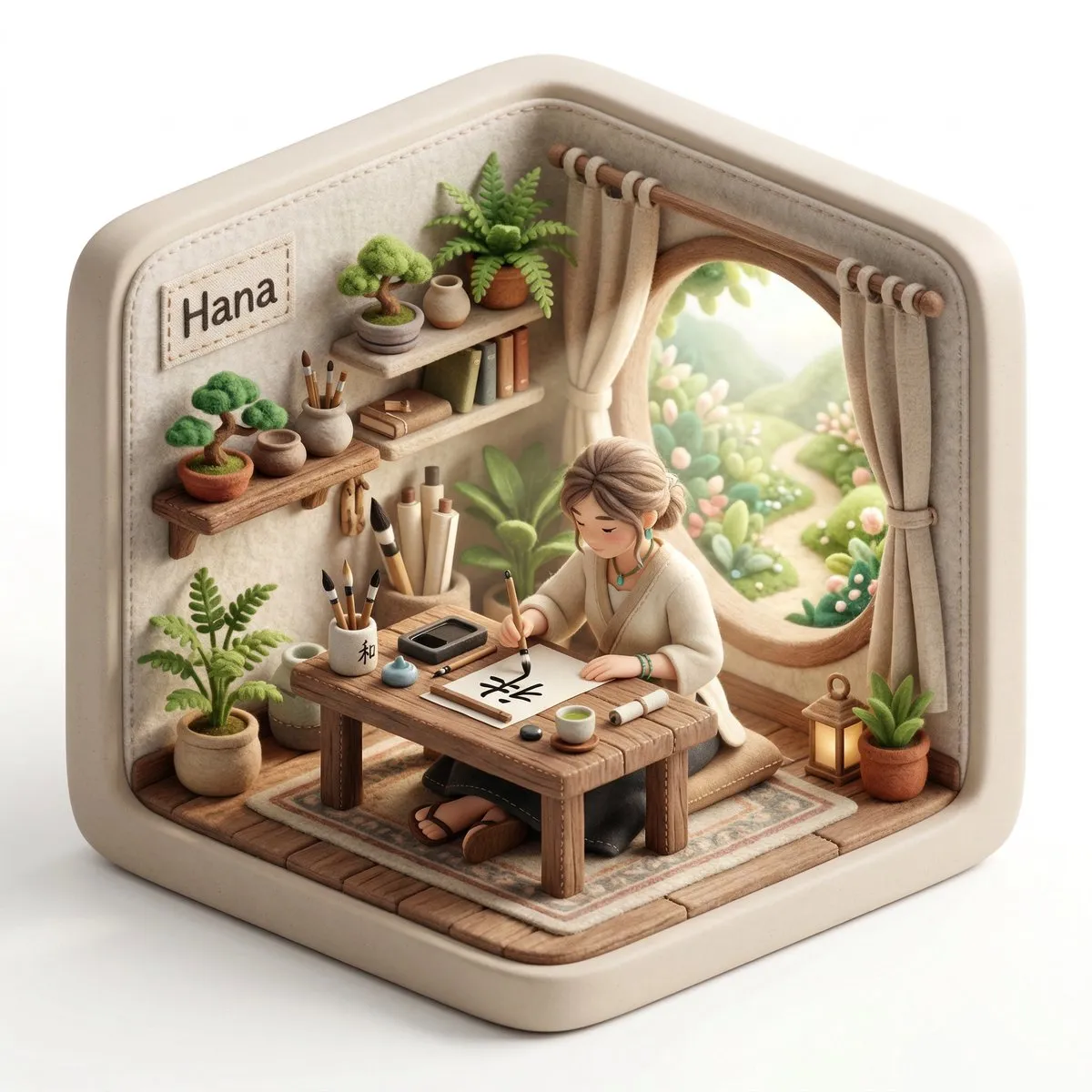
Create a 3D isometric diorama illustration of an original character named [CHARACTER NAME], peacefully working or practicing a creative activity in a nature-inspired environment, sitting at a wooden desk near a large…
Surrounding the realistic main subject are multiple cute, 3D-style chibi miniatures of the same person, with identical facial features, hairstyle, body proportions, and outfit. The chibi figures are naturally…
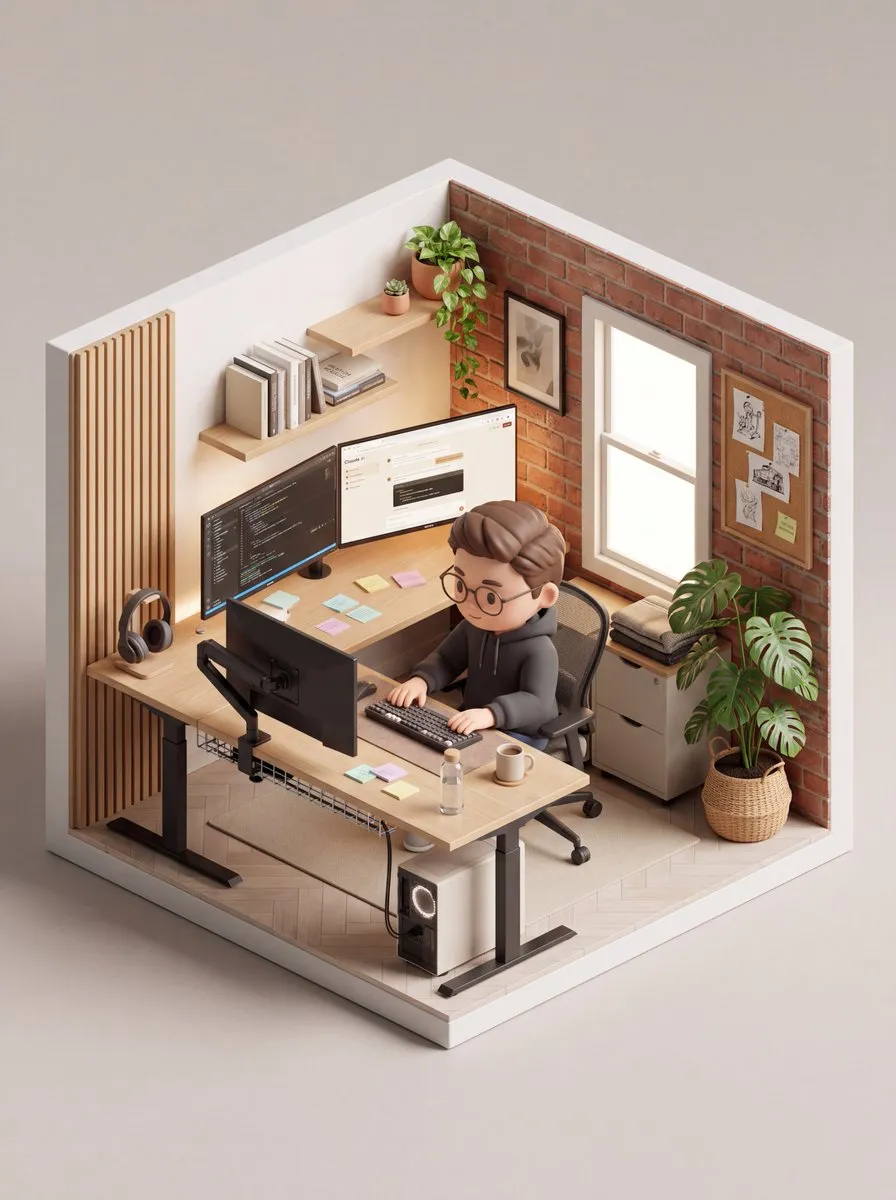
An isometric 3D cube-shaped miniature room (shallow cutaway true cube; everything strictly contained within the cube). The room is [Room Description]. Character: a chibi/figurine-style — [Character Description]. The…
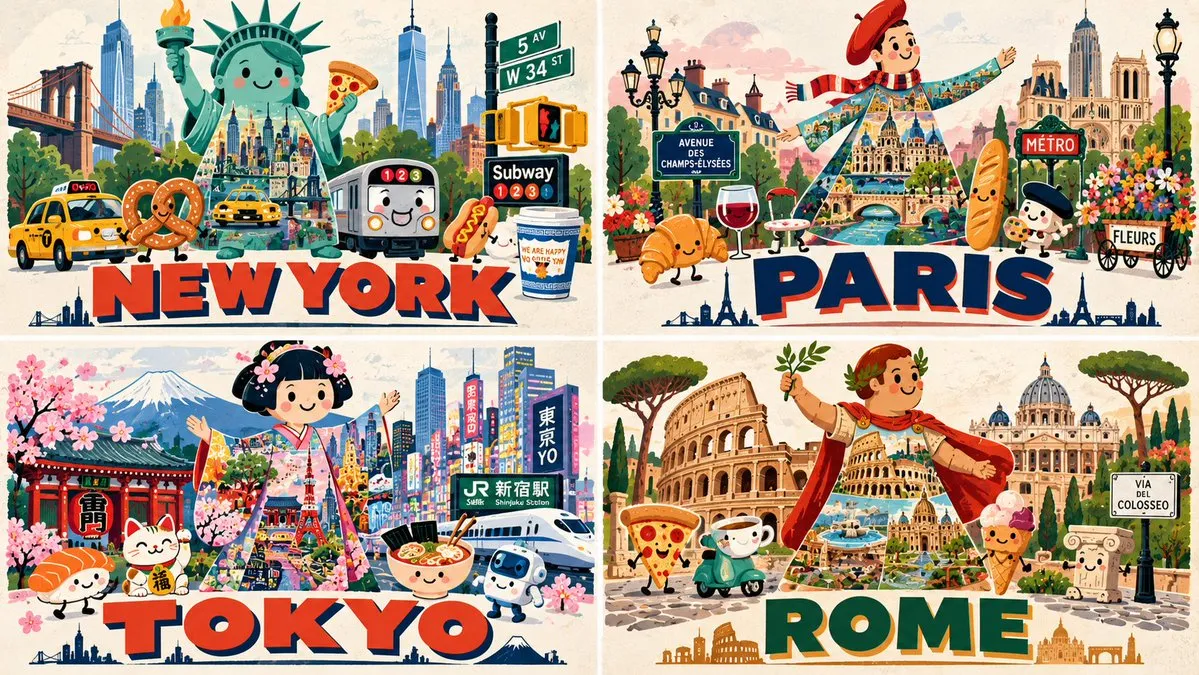
2x2 grid, 16:9, do this for 4 famous cities: M₁ PERSONIFIED ICON MASCOT (master) the place's most iconic figure/monument personified as a friendly mascot character (face, hair, pose), central and dominant. ¬M₁ = no…
A high quality mixed media portrait of a trendy young man (using my uploaded person photo) standing on a train station platform at night. The subject is posing coolly, holding the strap of an olive backpack with one…
Create a stylish modern travel poster inspired by risography about [City Name]. Use simplified illustrated images of the city: the Gwanganje Bridge, ocean waves, seagulls, beach umbrellas, fish baskets at the market…
Create a stylish modern travel poster inspired by risography about [City Name]. Use simplified illustrated images of the city: the Gwanganje Bridge, ocean waves, seagulls, beach umbrellas, fish baskets at the market…
Create a vertical cozy home scrapbook poster inspired by the reference images. Combine a beautiful realistic interior photograph on the top half with a hand-drawn illustrated memory journal on the bottom half. Top…
Create a sophisticated minimalist editorial art poster featuring [Subject] as the central subject, inspired by premium travel photography and refined hand-drawn illustration. Preserve the subject’s recognizable…
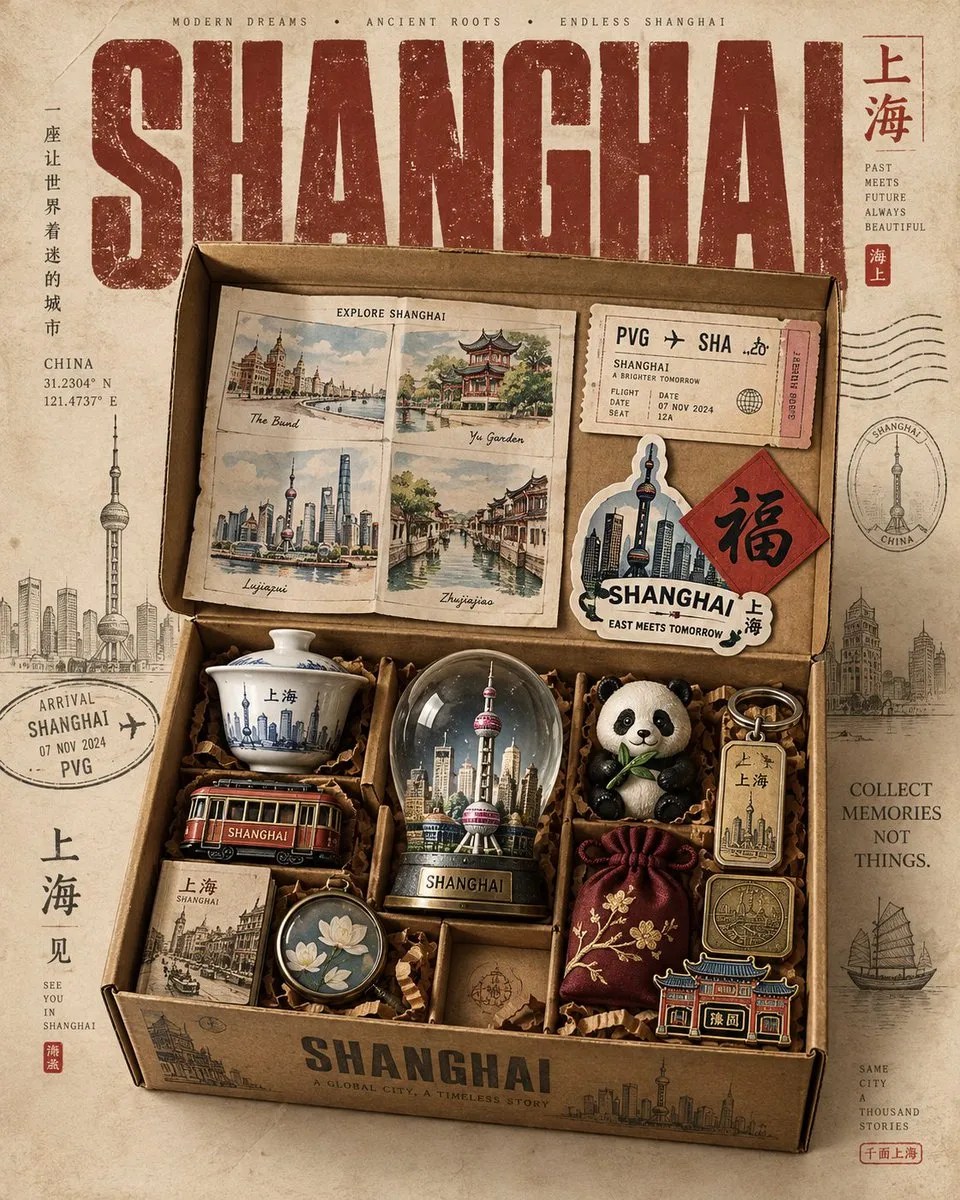
Create a premium 4:5 vertical Instagram travel poster for [Country], designed as part of a cohesive collectible “Souvenir Box” series. Show an open vintage cardboard travel box containing exactly 10 culturally authentic…
Create a stylish illustrated digital collage / character mood-board of a fashionable young African man in a playful sketchbook aesthetic. The composition should feature multiple poses and expressions of the same man…
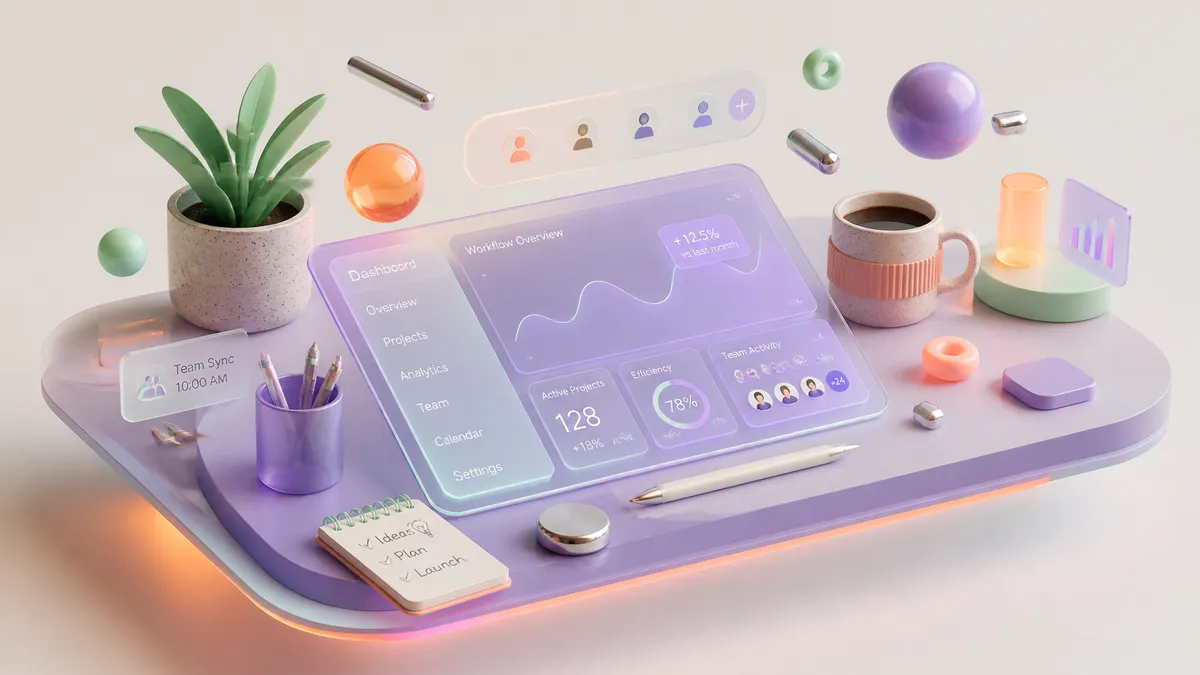
A cutting-edge commercial 3D isometric illustration of a modern creative workspace, designed for a premium SaaS website hero section. Behance and Dribbble trend-setting style. The composition features a stylized…
Create a highly detailed, premium travel-art illustration featuring a hand holding a white HỒ CHÍ MINH Transit Pass in the foreground. The ticket must look like a real transit ticket with visible text elements…
PROMPT:A premium editorial infographic poster in 16:9 horizontal format about Ancient Rome, designed like a luxury illustrated history atlas page, with a warm ivory parchment background, deep navy serif typography, and…
Examples are curated from meigen.ai and credited to their original creators.

Remix engine
Google’s Nano Banana family is the default Whisk AI engine. It reads several reference images at once, keeps a subject recognisable and places it convincingly into a new scene. Nano Banana Pro adds studio lighting, sharp text and 4K output.


Remix engine
OpenAI’s GPT Image models follow long instructions and love graphic styles: posters, stickers, packaging and layouts with lots of text. Use them when the style slot matters more than photo realism.
Animate engine
When a remix is done, Animate this hands it to the video studio, which opens on ByteDance’s Seedance as the first frame. Describe the motion and get a short clip with native sound; Veo 3.1, Kling 4 and Grok Imagine are one click away.
Three steps
Add a subject, a scene and a style image (any of them, all optional). JPG, PNG or WebP up to 10 MB each.
Type a short instruction such as "as an enamel pin" or leave it blank. Choose Nano Banana Pro for fidelity or GPT Image for bold graphic looks, then the size and ratio.
Most remixes finish in under a minute. Download the image, reuse the settings for a variation, or press Animate this to turn it into a video.
Style ideas
Popular looks for a Whisk AI remix, each with a prompt formula you can paste. Swap the words in brackets for your own subject.
Bold outline, white border, flat shading. Great for laptop stickers and chat packs.
[subject] as a glossy die-cut sticker, thick white border, bold outline, flat colors, centered on a plain background
Soft fabric, stitched seams and rounded proportions turn any character into a cuddly toy.
[subject] as a soft plush toy, felt and minky fabric, visible stitching, rounded proportions, studio photo on a pastel shelf
Metal outlines, glossy enamel fills and a backing card read instantly as merch.
[subject] as a hard enamel pin, gold metal outlines, glossy color fills, on a kraft paper backing card, macro product photo
A collectible vinyl figure on a stand, with soft studio light and a toy-box feel.
[subject] as a collectible vinyl figurine on a round base, smooth matte plastic, soft studio lighting, toy packaging in the background
Hand-made plasticine texture with thumbprints and warm light, like a stop-motion set.
[subject] sculpted from plasticine clay, visible fingerprints, handmade texture, warm soft light, miniature stop-motion set
Big type, strong shapes and a limited palette for gig posters and event flyers.
[subject] on a bold screen-printed poster, limited 3-color palette, large headline "[TEXT]", grain texture, centered layout
Loose washes, paper grain and soft edges for storybook and greeting-card looks.
[subject] in a loose watercolor illustration, soft washes, visible paper grain, gentle bleeding edges, white margins
Put your product in a new scene with clean commercial lighting for listings and ads.
[product] placed in [scene], clean commercial lighting, soft shadow, shallow depth of field, e-commerce hero image
Second step: video
Every finished image has an Animate this button. It opens the video studio with your remix as the first frame, so you only describe the motion: a slow camera push, a wave, a turn of the head.
Toolkit
Everything around the three slots that makes a remix easy to repeat, refine and use.
Subject, Scene and Style each have their own slot, and some models take up to 16 reference images in total.
Fill a slot and press Generate. Words help steer the result, but they are never required.
Remix with Google’s Nano Banana family or OpenAI’s GPT Image family, picked per run.
Draft at 1K, then render the keeper at 2K or 4K on models that support it.
Square for stickers, 4:5 for feeds, 9:16 for stories, 16:9 for banners, or auto.
Every result remembers its slots, prompt and model. Reuse them to make variations in one click.
Turn a finished remix into a short video with Seedance, Veo 3.1, Kling 4 or Grok Imagine.
One credit balance, images from 6 credits, and failed renders are refunded automatically.
Paid plans can keep remixes out of the public gallery. Uploads are only used for your own runs.
Use cases
Turn a mascot or pet into stickers, pins and plush mockups before you order a single sample.

Place one product photo in new seasonal scenes and styles for listings, ads and email.

Remix a selfie into a poster, a clay figure or a watercolor for feeds and stories.

Keep one character consistent while you try outfits, worlds and art styles.
Mock up campaign visuals, flyers and banners in your brand look in minutes.
Illustrate stories and lessons by combining a hero, a setting and a picture-book style.
Pricing
A remix is one image generation. Subscribe for the lowest price per credit, or buy a pack that never expires.
Starter
Save 20%For trying Whisk AI remixes now and then
$24/mo
billed $288 yearly
2,400 credits / month
≈ 96 Nano Banana Pro remixes per month (1K)
Cancel anytime · taxes calculated at checkout
Pro
Save 26%For regular remixing, stickers and merch mockups
$52/mo
billed $624 yearly
5,200 credits / month
≈ 208 Nano Banana Pro remixes per month (1K)
Cancel anytime · taxes calculated at checkout
Ultimate
Save 27%For high-volume remixes, 4K output and videos
$109/mo
billed $1,308 yearly
10,900 credits / month
≈ 436 Nano Banana Pro remixes per month (1K)
Cancel anytime · taxes calculated at checkout
Subscriptions renew automatically until you cancel. Manage or cancel your plan any time from Settings → Billing.
FAQ
Whisk AI (WhiskAI on whiskai.net) is an online image remixer. You give it up to three pictures, a subject, a scene and a style, plus an optional prompt, and it generates one new image that combines them using Nano Banana or GPT Image. You can then animate the result into a short video.
No. WhiskAI is an independent service that offers a Whisk-style subject, scene and style workflow. It is not affiliated with, endorsed or sponsored by Google, and Whisk and Google are trademarks of Google LLC.
Google launched Whisk as a Google Labs experiment in December 2024. Labs tools change often, so check labs.google for its current status. If you want the remix workflow with your choice of Nano Banana or GPT Image and one credit balance, Whisk AI is an independent alternative.
No. Fill at least one slot and press Generate; Whisk AI tells the model what each image is for. A short prompt such as "as an enamel pin" helps steer the look. Without any image, the prompt alone works like a normal text-to-image generator.
The three labelled slots cover subject, scene and style. Models such as Nano Banana Pro accept up to 8 reference images in total, so you can add more references under the slots when you need them.
Remixes run on Google’s Nano Banana family (Nano Banana Pro is the default) or OpenAI’s GPT Image family. Videos made with Animate this run on Seedance, Veo 3.1, Kling 4 or Grok Imagine. We name the real model on every result.
New accounts get free credits, enough for a first remix. After that you pay per image with credits from a pack or a plan; the Generate button always shows the exact cost before you start, and failed renders are refunded.
Yes with any credit pack and with Pro and higher plans, under our Terms of Service. Make sure you have the rights to the photos you upload, especially people, logos and characters you do not own.
Yes. Press Animate this on any finished image. The video studio opens with your remix as the first frame; describe the motion and choose Seedance, Veo 3.1, Kling 4 or Grok Imagine.
Uploads are stored so the model can read them and are used only for your own generations. Results are public in the gallery by default; paid plans include private mode to keep them to yourself.
How-tos for the subject, scene and style slots, prompt formulas for popular looks, and tips for animating a remix.

How to Use Whisk AI: Subject, Scene and Style Explained
Whisk AI tutorial: what the Subject, Scene and Style slots do, when to skip the prompt, which model to pick, what a remix costs and how to animate it.

Whisk AI Style Ideas: Stickers, Plush, Pins and Figurines
Ten Whisk AI style ideas with prompt formulas: stickers, plush toys, enamel pins, 3D figurines, capsule toys, claymation and posters, and the model to use.

What Happened to Google Whisk? A Whisk AI Alternative
A sourced history of Google Whisk, how to check its status today, and how WhiskAI recreates the subject + scene + style remix with Nano Banana and GPT Image.
New accounts get free credits, enough for a first remix. Drop a subject, a scene and a style, and see what comes out.